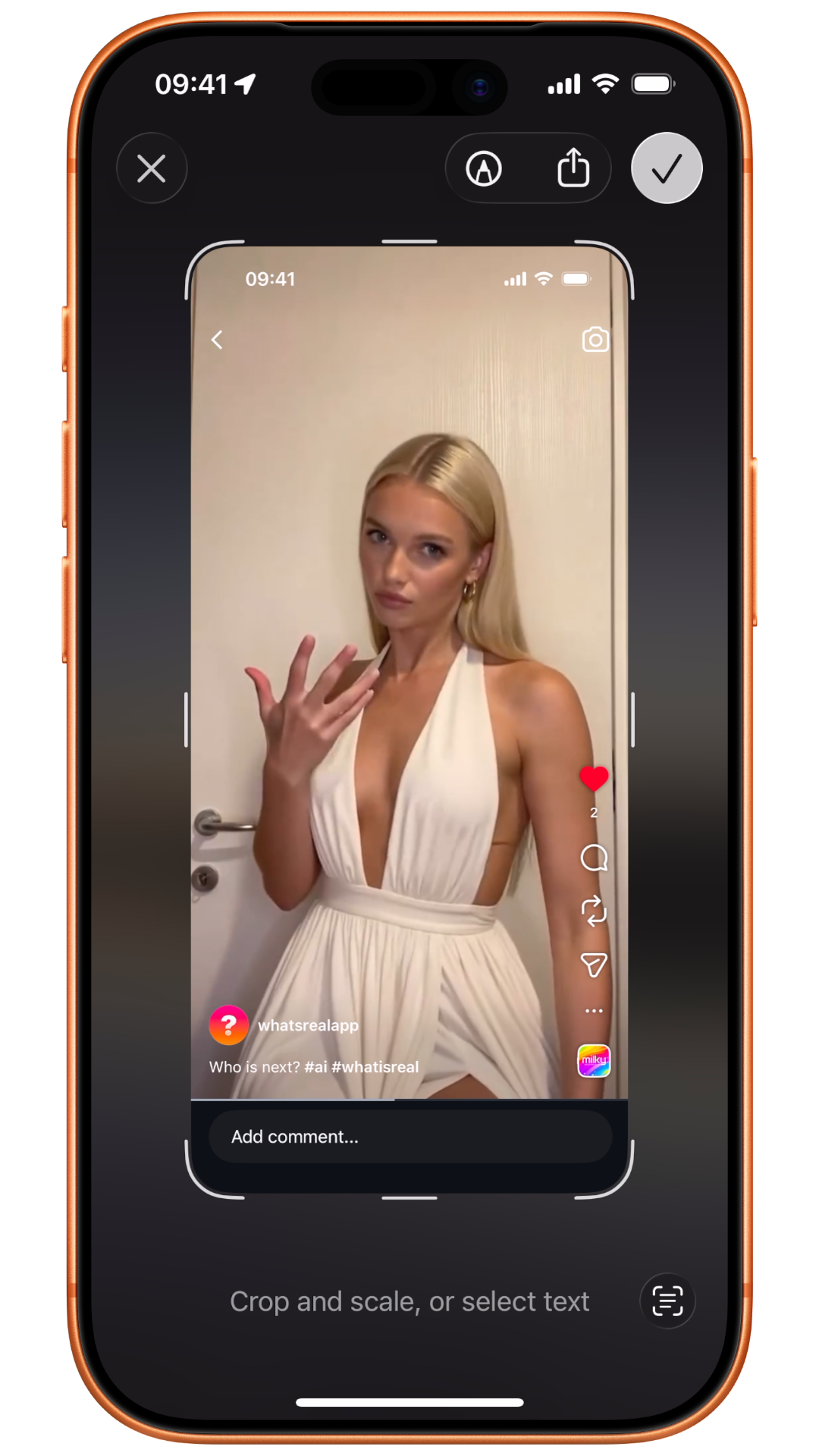
Step 01
Screenshot
See something that looks off? Just screenshot it. Doesn't matter if it's a photo, a video thumbnail, or a viral post. If your gut says something's wrong, capture it.
Screenshot anything suspicious. Share it to WhatsReal. Get a verdict in seconds.

From doubt to understanding. In seconds.
See something that looks off? Just screenshot it. Doesn't matter if it's a photo, a video thumbnail, or a viral post. If your gut says something's wrong, capture it.
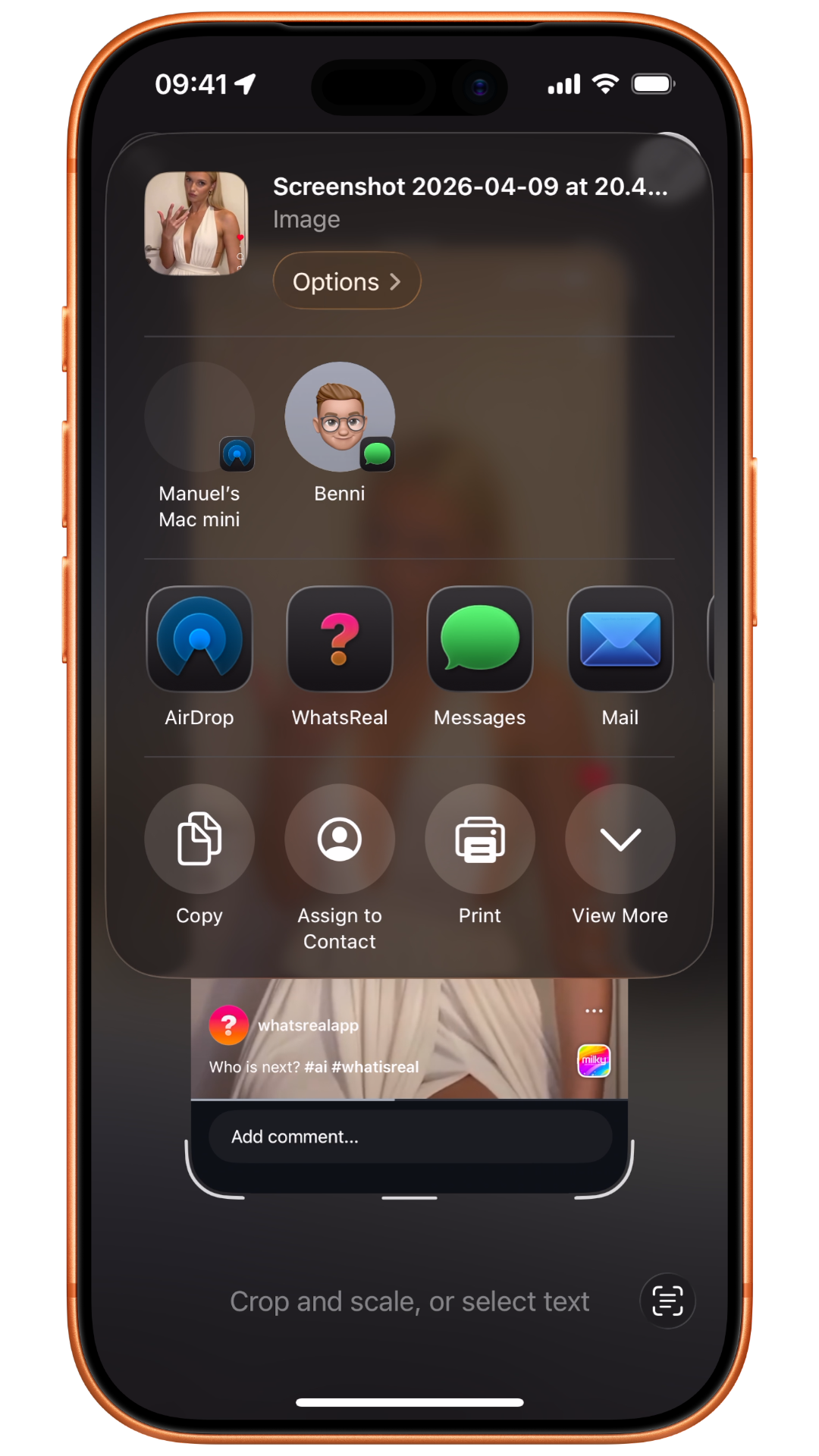
Tap the share button and send it straight to WhatsReal. One tap from the native share sheet. No copying, no switching apps, no extra steps.
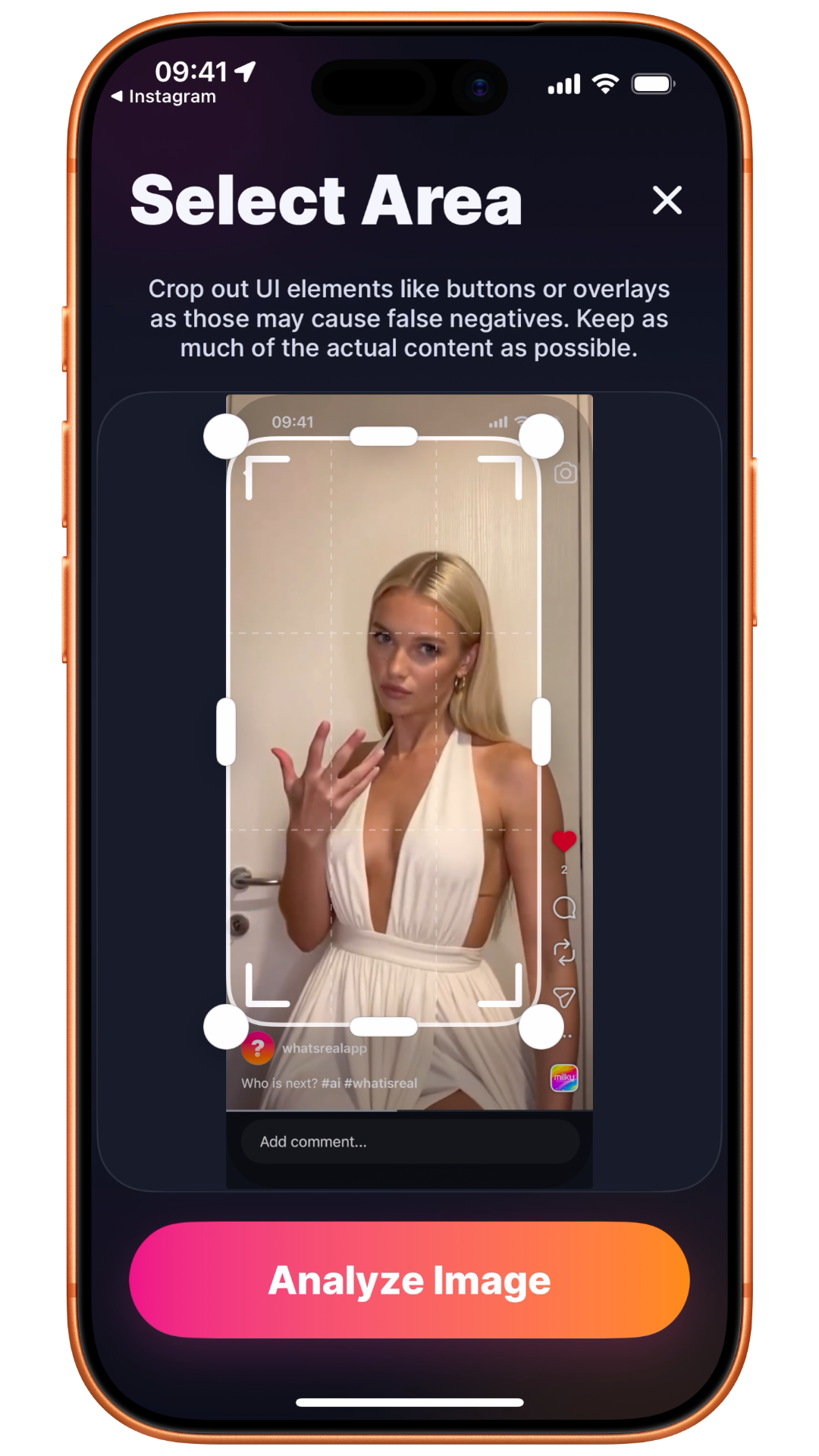
Exclude UI elements like buttons or overlays that could interfere with the analysis. Keep as much of the original image as possible.
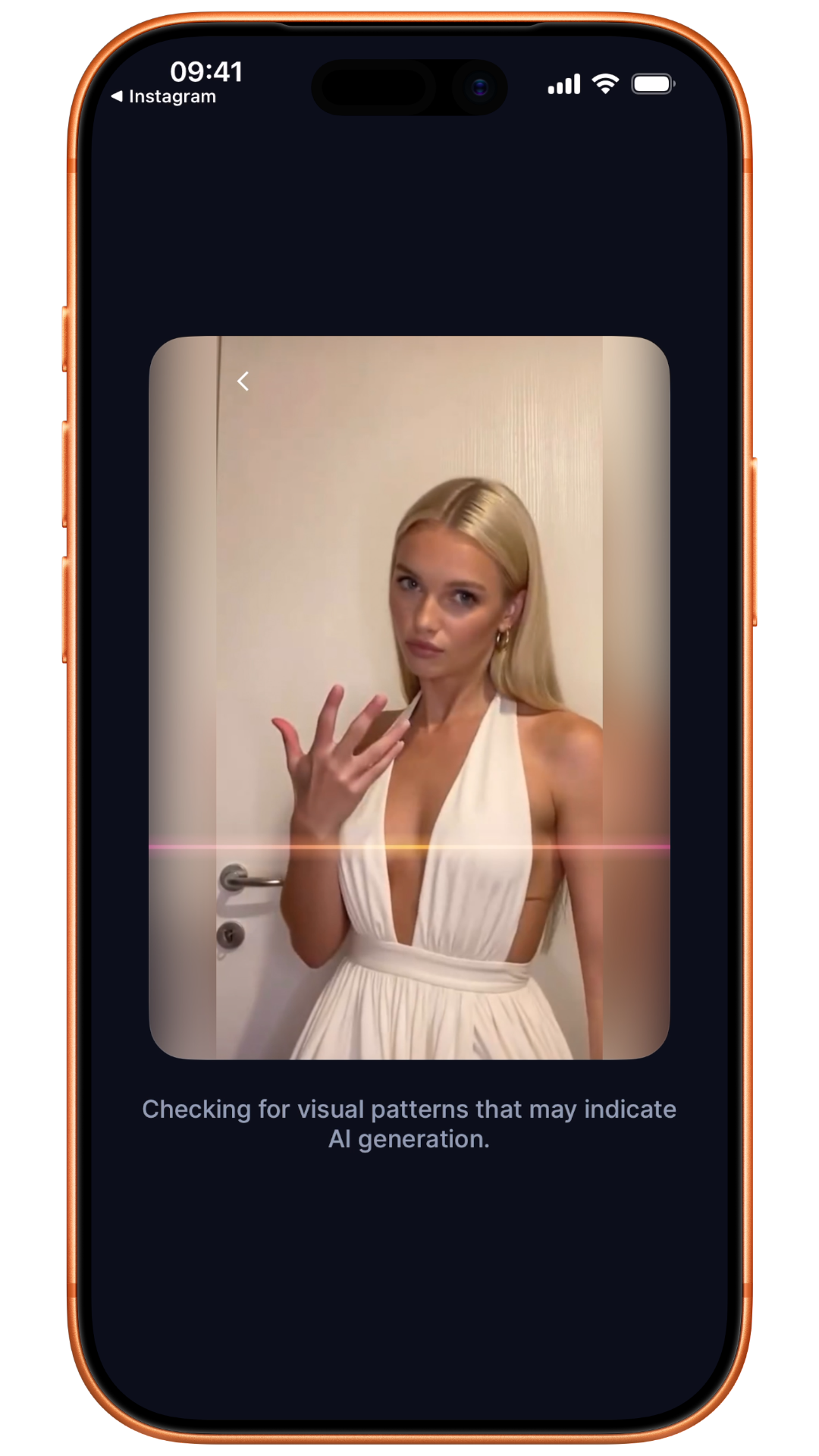
Our AI analyzes the image in seconds to detect signs of manipulation and generate a confidence score.
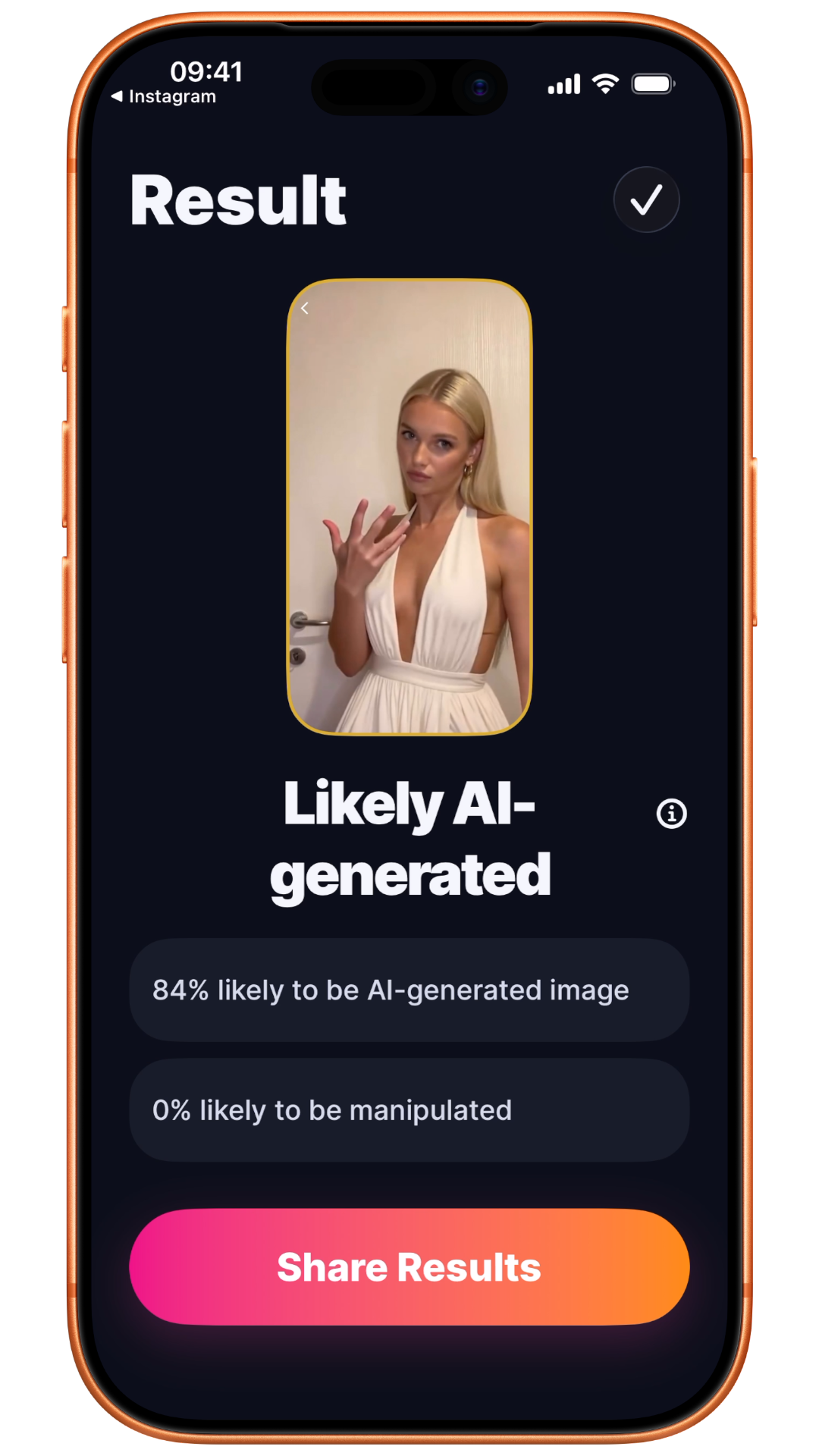
A confidence score to help you better understand what you’re seeing.
A confidence score. That’s all you need.
When something looks too good to be true, screenshot it, share it to WhatsReal, and get your answer in seconds.